
Every capture tool that earns its place
Grouped from TechSmith’s published Snagit capabilities: capture, markup, AI helpers, video, library, and share.
Powered by AI
Easy to use, but full of advanced features
Snagit combines fast capture with tools for visual guides, long pages, and picture-in-picture recordings.
Built for results
Screenshots that speak for themselves
Turn confusing screen moments into clear visual instructions with Snagit.
Capture anything
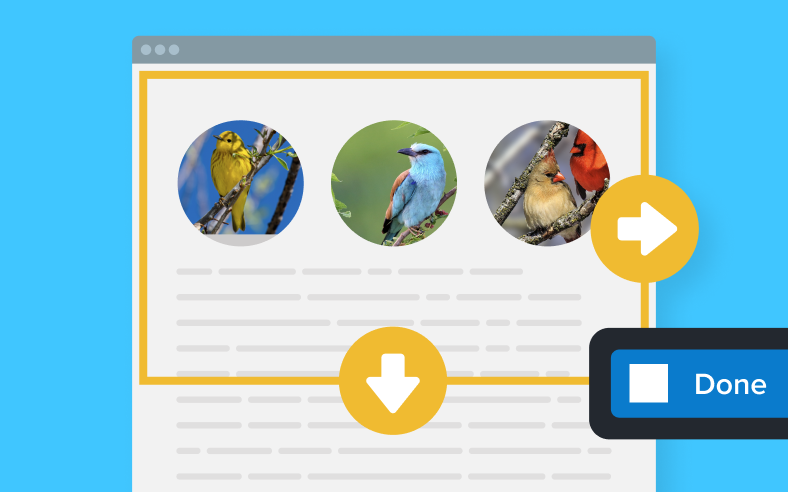
Grab a region, window, full screen, or scrolling page
Stop stitching screenshots together. Screentelligence helps select the content you need in one pass.
Provide clarity
Add arrows, highlights, text, and step numbers
Point to the exact control or chart value so readers can act without another round of questions.
Share instantly
Send captures into email, Slack, documents, and more
Create a Share Link or send the capture to a supported destination without breaking your workflow.
Stay organized
Keep every capture in a searchable, taggable library
Search recent captures, application sources, tags, and text inside images to find the right item again.
Capture anything on screen
Grab a region, window, full screen, or scrolling page. Screentelligence helps Snagit select what you need without stitching captures by hand. Delayed and interval captures support menus that disappear on click.
- Scrolling capture for long pages and wide tables
- Window capture that follows a resized window during video
- All-in-One capture for mixed workflows
Markup and callouts
Add arrows, highlights, text boxes, stamps, and step numbers. Callouts connect labels to exact UI regions so readers do not guess which control you mean.
Customize tool colors with the eyedropper or HEX values to match brand guidelines. Snap objects on the canvas and customize the Editor toolbar for the tools you use daily.
AI helpers and text tools
Published AI-assisted features in current Snagit releases.
AI Step Capture
Automatically create visual step-by-step guides as you click through a process. Share Step Captures to Camtasia Online or Camtasia Editor, export HTML, or batch export step images.
AI Smart Redact
Identify and redact sensitive information. Click text to add or remove redactions, redact all matches, or jump into Edit Text when OCR is available.
Text recognition
Grab Text, Edit Text, and related OCR tools let you copy or change text inside screenshots without retyping error dialogs or dense UI labels.
Simplify
Transform detailed screenshots into simplified graphics for training materials when the full UI is too noisy for learners.
Video and GIF
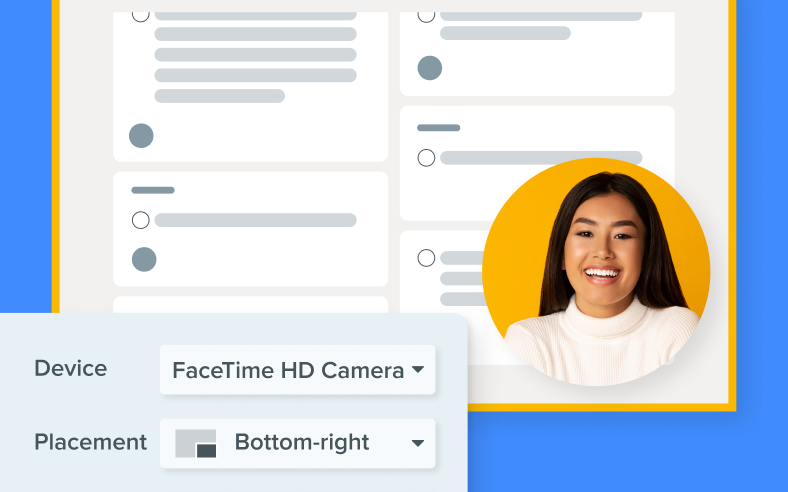
Record screen, system audio, microphone, and picture-in-picture webcam. Trim recordings, combine clips, create video from images, and turn clips into GIFs for lightweight demos.
Open captures in Snagit Editor or send video to Camtasia Editor / Camtasia Online when you need multi-track finishing. See recording troubleshooting if hotkeys or antivirus interrupt a session.
Library and sharing
Keep captures in a searchable, taggable library that can find text inside screenshots. Pin items in the Recent Captures Tray, organize stamps, and share with a link or to destinations such as Slack, Teams, Google Drive, Dropbox, YouTube, and email.
File formats Snagit supports
From TechSmith’s published format list for Snagit.
| Category | Formats |
|---|---|
| Common image | BMP, GIF, ICO, JPG, PNG, TIF, PSD, TGA |
| Snagit / web | SNAG, MHT, RAS, EMF, WMF, WPG, WFX |
| Export oriented | PDF (export), EPS (export), CUR (export) |
| Video | MP4 |